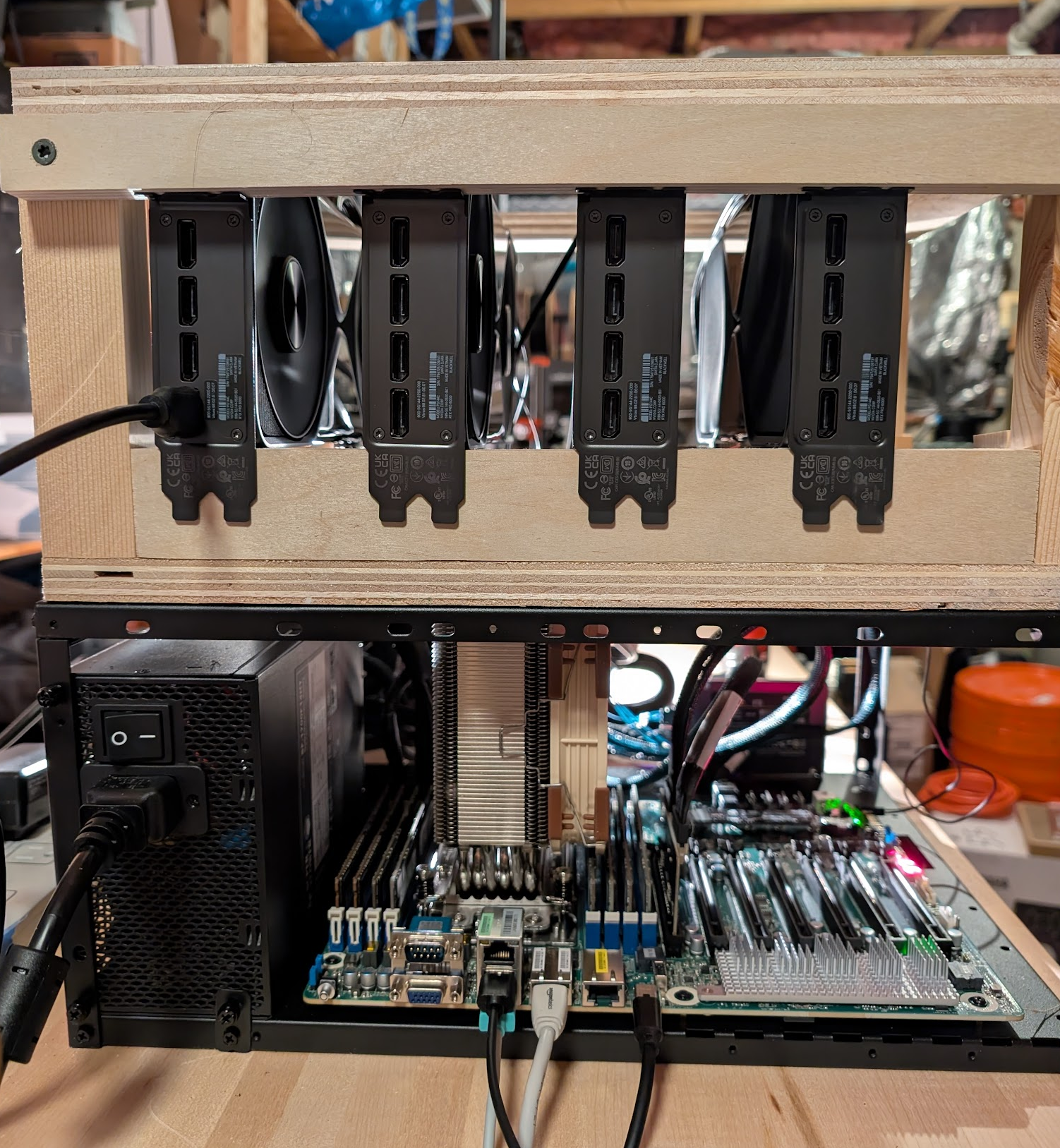
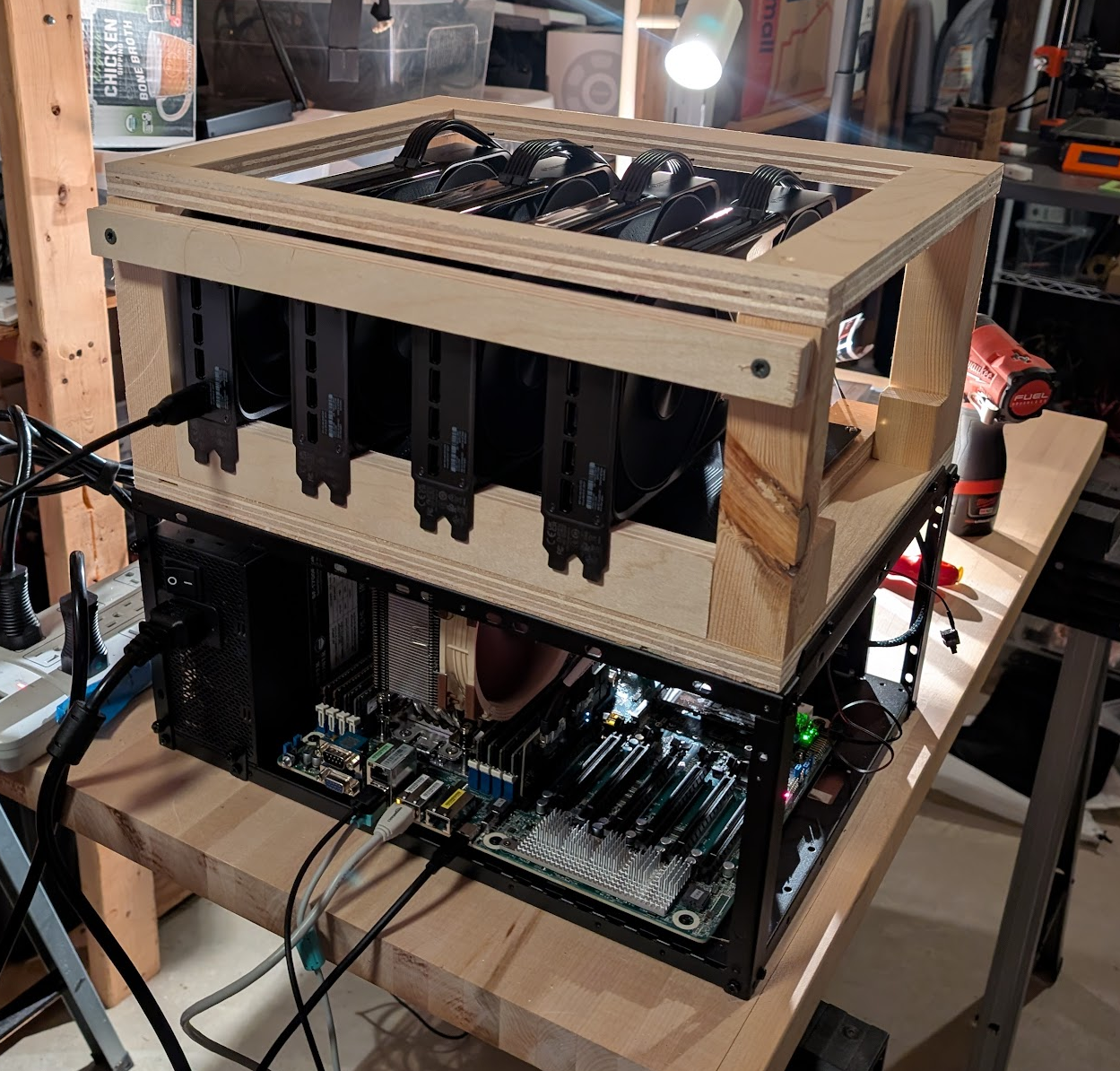
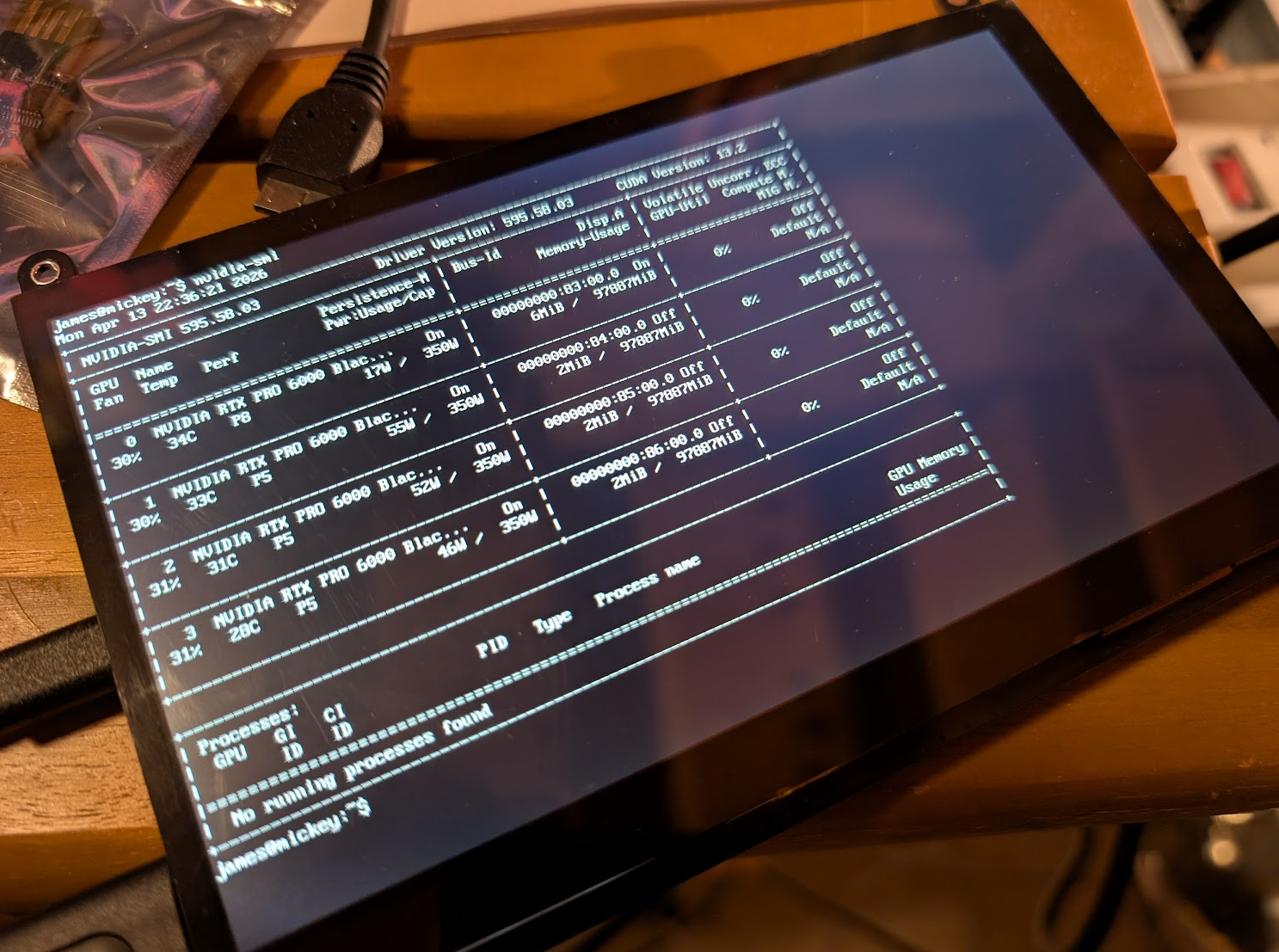
I was lucky/dumb enough to buy 4x RTX Pro 6000s back when they were cheaper. Because
RAM is now so expensive, I opted to build a last-gen DDR4 system to host these cards,
the parts for which I got off eBay. This allowed me to keep base system cost reasonable
while still getting a lot of VRAM.
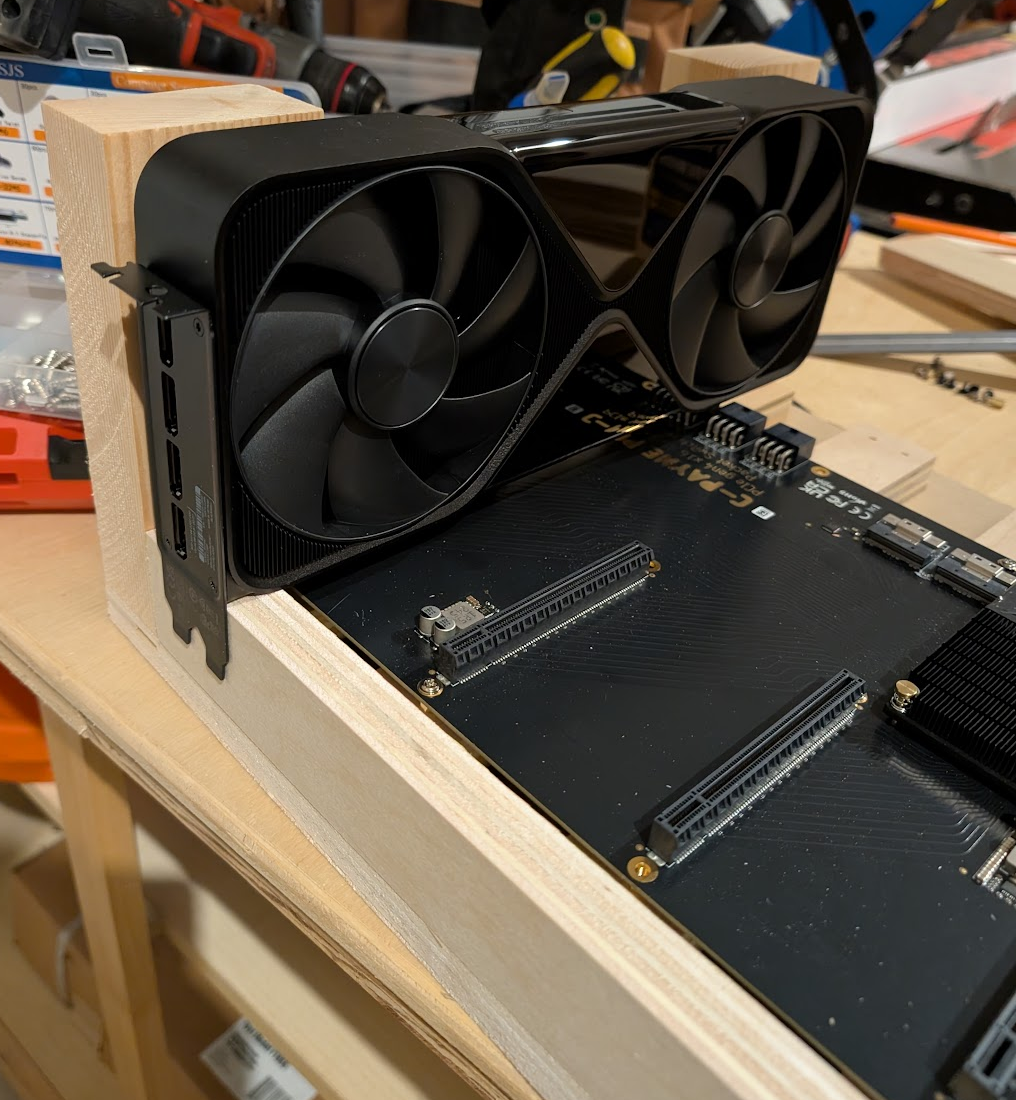
Another somewhat unusual thing I did was to use PCIe4 switches (from
c-payne.com). This allows the GPUs to communicate to one another
"directly" at wire speeds during the allreduce step in tensor parallelism, rather than
having to send all data through the PCI root complex. The upshot of this is reduced
latency between the cards with less of a need for expensive PCIe5 hardware.
Consequently, I'm spending money on VRAM (where it counts) rather than on a PCIe5/DDR5
base system, which is terrifically expensive as of July 2026.
My particular BOM is detailed below.
How much are you willing to spend?
~$2k
A great way to go is 2x RTX 3090s for a total of 48GB VRAM total. You can then run
Qwen3.6-27B, which is an awesome model.
You can also run SOTA speech-to-text (STT) with
whisper-large-v3, which I find very
useful. That's the model - you'd then access it with my cross-platform stt
harness.
I've found local STT surprisingly useful - and I feel comfortable using it, unlike a
hosted equivalent. You can find a ready-to-run config in
./runners/stt that only assumes the presence of ~11GB of VRAM on an
Nvidia GPU.
~$40k
At this price level, you get the next step up in model intelligence. Something pretty
close to Claude Opus.
You'd buy 4x RTX 6000 Pros for a total of 384GB of VRAM.
Note: these are my recommendations, but there are other completely valid ways to spend
your money. For example, there's probably also some regime where rather than getting 4
rtx6kpros, you allocate most of your money to building out a linked 4x DGX Spark
cluster for a total of 512GB VRAM
and use that as the slow, big brain to drive Qwen3.7-27b to do the rote tasks quickly.
Hardware
Here's the hardware I wound up purchasing for the 4x RTX 6000 pro machine.
Base system
A modest, last-gen EPYC system purchased in parts almost entirely from eBay.
Once the model weights are cached locally, I have a specific directory for each model
that contains a docker-compose.yml file that cordones off the running of each model
to its own Docker container.
Each container mounts in ~/storage/models in read-only mode to obtain the weights
that I've cached locally.
I then use opencode hosted on a VM on another machine to access the models once
they're serving on http://clank.j.co:5000.
I use a network-internal DNS server to point clank.j.co to the LLM machine, but you
could simply do http://<llm-machine-ip>:5000 too.
The harness itself
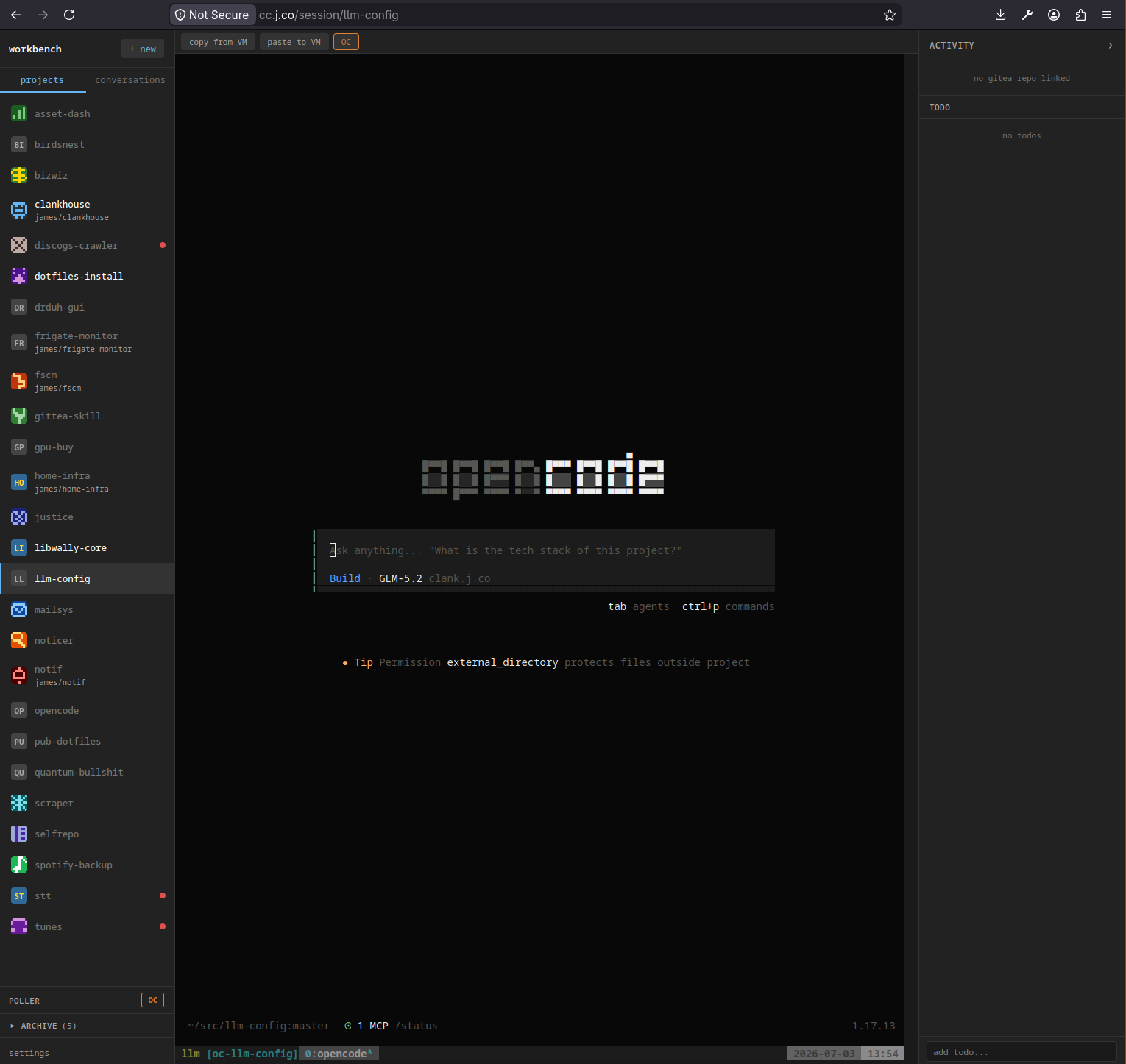
I created a VM and clanked up an application that basically just creates a tmux session
for each directory within the VM's ~/src tree, which then runs an opencode instance
that backs up to the inference machine's HTTP API (http://clank.j.co:5000).
One key to making the opensource models good is tooling them properly; a summary of my
skills/ is:
camofox, kagi.com API key, and searXNG for web browsing and search,
Telegram bot for communication and alerting,
a local private Gitea instance for collaborating on source code.
The clanker will either work with me interactively in a session, or can be farmed off
to work on Gitea issues and file PRs there.
All this happens in a sandboxed VM where the only communication back to the host system
happens via a shared filesystem mount, so the thing can go ham and install whatever it
wants.
Getting the PCI switches to work properly
There was a lot of fiddling with the BIOS in order to make sure the motherboard wasn't
downregulating the PCI switch speeds.
BIOS Configuration (ROMED8-2T)
Setting
Value
Why
Chipset Configuration → AMD PCIE Link Width (switch slot)
x16 (was x8/x8)
Bifurcation was splitting the slot; upstream link trained at Gen4 x8. Requires both SlimSAS 8i cables connected (each carries x8).
PCIe Link Speed (switch slot)
Gen4 (not Auto)
Blackwell Gen5 devices auto-negotiating down through the Gen4 switch could fail training and fall to Gen1. Forcing Gen4 stabilizes it.
ASPM
Disabled
ASPM L1 drops idle links to 2.5GT/s. This turned out to be the explanation for the "Gen1 downgraded" lspci readings — links were actually running Gen4 under load (verified via p2pBandwidthLatencyTest), but disabling ASPM removes the cosmetic scare and any re-train latency.
Re-Size BAR
Enabled
Required for full 96GB VRAM BAR exposure and GPU P2P.
SR-IOV
Disabled
Bare-metal inference; avoids IOMMU overhead and P2P interference.
Preferred IO
Auto
Optionally set Manual → bus 81 (the c-payne switch) for marginal latency gains, but left at Auto — it's a squeeze-more optimization, not a fix, and bus numbers shift after BIOS changes.
Reducing gain on the redriver
Per c-payne's advice, I did reduce the gain to "lvl 3" using his
tool, which was probably the most finicky part of
the process.
The gain level is going to be a function of how long your SAS connector cables are.
Picking the right SAS cables
I screwed up and ordered too few of the cables from c-payne directly, so I bought what
I thought was the same SAS cable off of Amazon. There was actually a slight difference
that was causing issues, and I had to reorder cables - so double-check that you're
getting the right stuff!
With ACS enabled (default), P2P traffic gets bounced through the CPU root port
instead of staying inside the switch fabric, negating the switch entirely.
pcie_acs_override requires a patched kernel, so we disable via setpci at runtime.
# /usr/local/bin/disable-acs.sh#!/bin/bashif [ "$EUID" -ne 0 ]; thenecho"ERROR: must be run as root"exit 1
fifor BDF in $(lspci -d "*:*:*" | awk '{print $1}'); do
setpci -v -s ${BDF} ECAP_ACS+0x6.w > /dev/null 2>&1
if [ $? -ne 0 ]; thencontinuefiecho"Disabling ACS on $(lspci -s ${BDF})"
setpci -v -s ${BDF} ECAP_ACS+0x6.w=0000
done
350W/GPU = 1,400W GPU load, sized for the PSU budget. During the interim
single-1700W-PSU phase (before the 240V circuit), cards ran at ~260W
(4×260 = 1,040W GPUs + ~280W system ≈ 1,320W total).
Upstream: Gen4 x16 (~30 GB/s to CPU). P2P through switch: 27.5 GB/s
unidirectional / 50.4 GB/s bidirectional, 0.37–0.45 µs latency, i.e. Gen4 line
rate. Note: lspci may still show downstream GPU links as "2.5GT/s (downgraded)"
at idle if ASPM is active anywhere; this is cosmetic. Links retrain to Gen4
under load.