
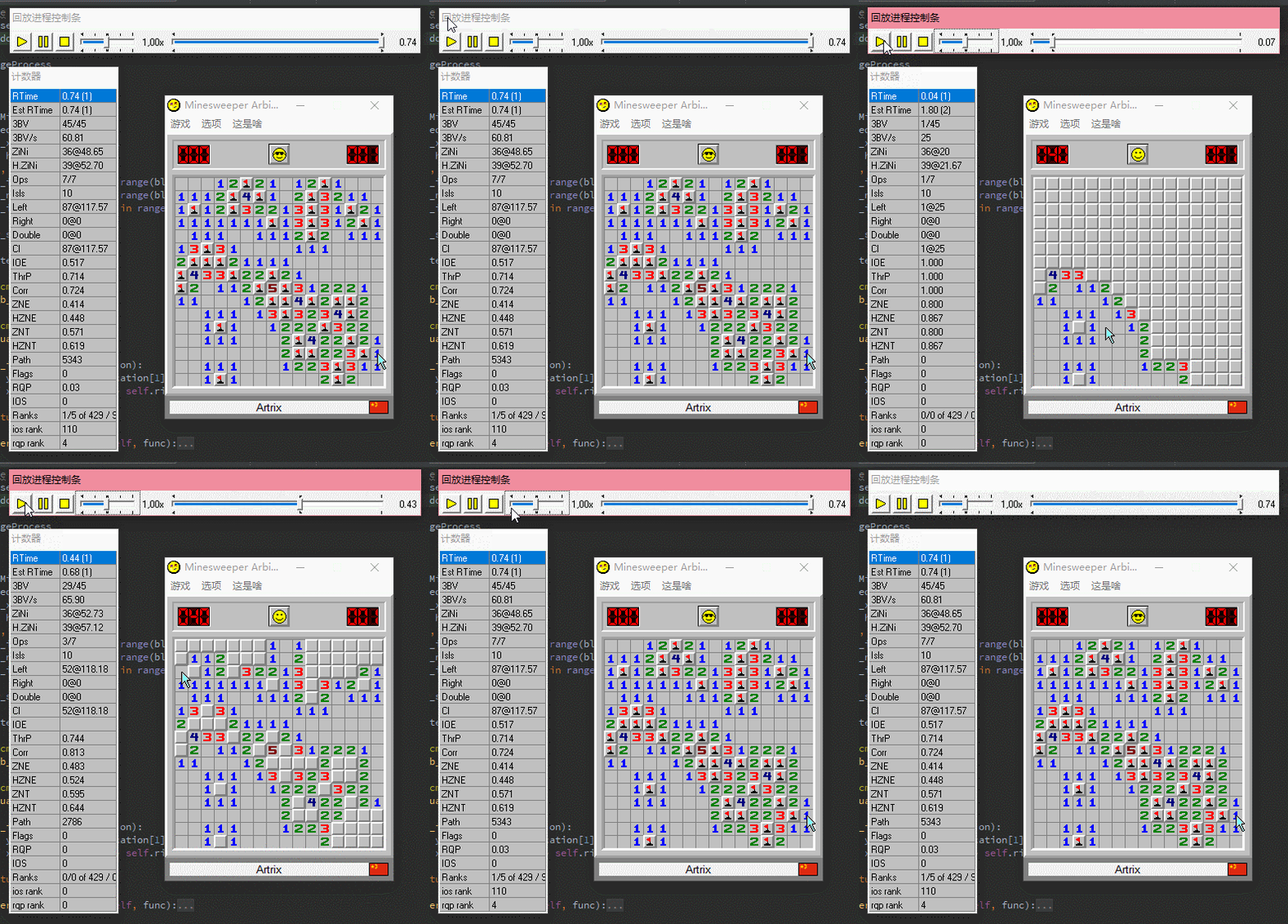
基于Python+OpenCV实现自动扫雷
简介
扫雷是一款经典的策略游戏,对反应速度和逻辑判断要求极高。利用 Python 配合 OpenCV 和自动化库,可以实现全自动扫雷,突破人类操作极限。本文将详细介绍从环境搭建到核心算法实现的完整流程。
环境准备
开发前需安装以下依赖:
- Python 3.6+
- numpy
- Pillow (PIL)
- opencv-python
- pywin32 (win32gui, win32api)
- pyautogui (用于模拟点击)
推荐使用 Anaconda 管理环境,可避免部分依赖库的安装问题。
实现思路
整个自动化过程分为四个主要步骤:
- 窗口截取:获取扫雷主窗体位置及棋盘图像。
- 图像分割:将棋盘切割为单个单元格。
- 类型识别:识别每个单元格是雷、数字还是空白。
- 算法决策:根据已知信息推导下一步操作并执行。
窗体截取
使用 Spy++ 工具获取窗口类名和标题。在 ms_arbiter 环境下:
- class_name = "TMain"
- title_name = "Minesweeper Arbiter "(注意末尾有空格)
获取窗口句柄及坐标:
import win32gui

class_name = "TMain"
title_name = "Minesweeper Arbiter "
hwnd = win32gui.FindWindow(class_name, title_name)
if hwnd:
    left, top, right, bottom = win32gui.GetWindowRect(hwnd)
使用 PIL 截取棋盘区域。需注意不同系统下边框宽度可能不同,需微调偏移量:
from PIL import ImageGrab

left += 15
top += 101
right -= 15
bottom -= 43
rect = (left, top, right, bottom)
img = ImageGrab.grab().crop(rect)
雷块分割与识别
在标准设置下,单个雷块尺寸为 16x16 像素。我们需要计算网格数量并裁剪每个单元格。
网格计算
block_width, block_height = 16, 16
blocks_x = int((right - left) / block_width)
blocks_y = int((bottom - top) / block_height)
图像分割函数
def ():

    w, h = hole_img.size
    bw, bh = block_width, block_height
    left = x * bw
    top = y * bh
    right = left + bw
    bottom = top + bh
     hole_img.crop((left, top, right, bottom))