CSS-position: absolute绝对定位
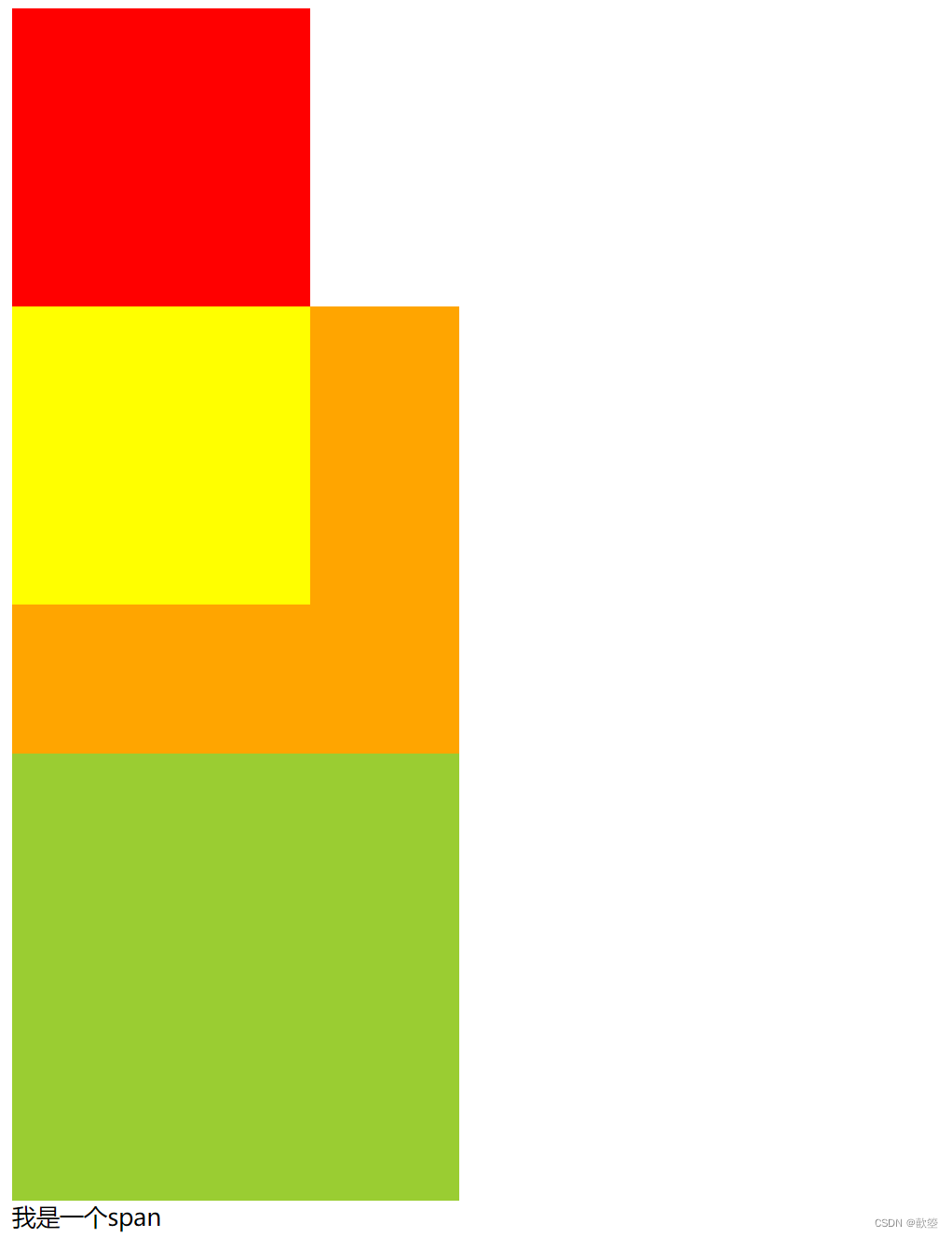
绝对定位
<!DOCTYPE html> <html> <head> <meta charset="utf-8" /> <title></title> <style type="text/css"> .box1 { width: 200px; height: 200px; background-color: red; } .box2 { width: 200px; height: 200px; background-color: yellow; position: absolute; /* left: 100px; top: 100px; */ } .box3 { width: 300px; height: 300px; background-color: yellowgreen; } .box4 { width: 300px; height: 300px; background-color: orange; /*开启box4的相对定位*/ /* position: relative; */ } s1 { width: 100px; height: 100px; background-color: yellow; position: absolute; } </style> </head> <body> <div class="box1"></div> <div class="box5"> <div class="box4"> <div class="box2"></div> </div> </div> <div class="box3"></div> <span class="s1">我是一个span</span> </body> </html>
1. 说明
当 position 属性设置为 absolute 时,则开启了元素的绝对定位
- 开启绝对定位,会使元素脱离文档流
- 开启绝对定位以后,如果不设置偏移量,则元素的位置不会发生变化
- 绝对定位是相对于离他最近的开启了定位的祖先元素进行定位的
一般情况开了子元素的绝对定位都会开启父元素的相对定位
- 如果所有的祖先元素都没有开启定位,则会相对于浏览器窗口进行定位
- 绝对定位会使元素提升一个层级
- 绝对定位会改变元素的性质,
- 内联元素会变成块元素
- 块元素的宽度和高度默认都被内容撑开
position: absolute;

